
7.10. Network configuration#
This chapter covers network configuration in Nubus for UCS. You can adjust network interface configuration in the Network settings management module, located at in the Management UI. Fig. 7.6 shows the management module.
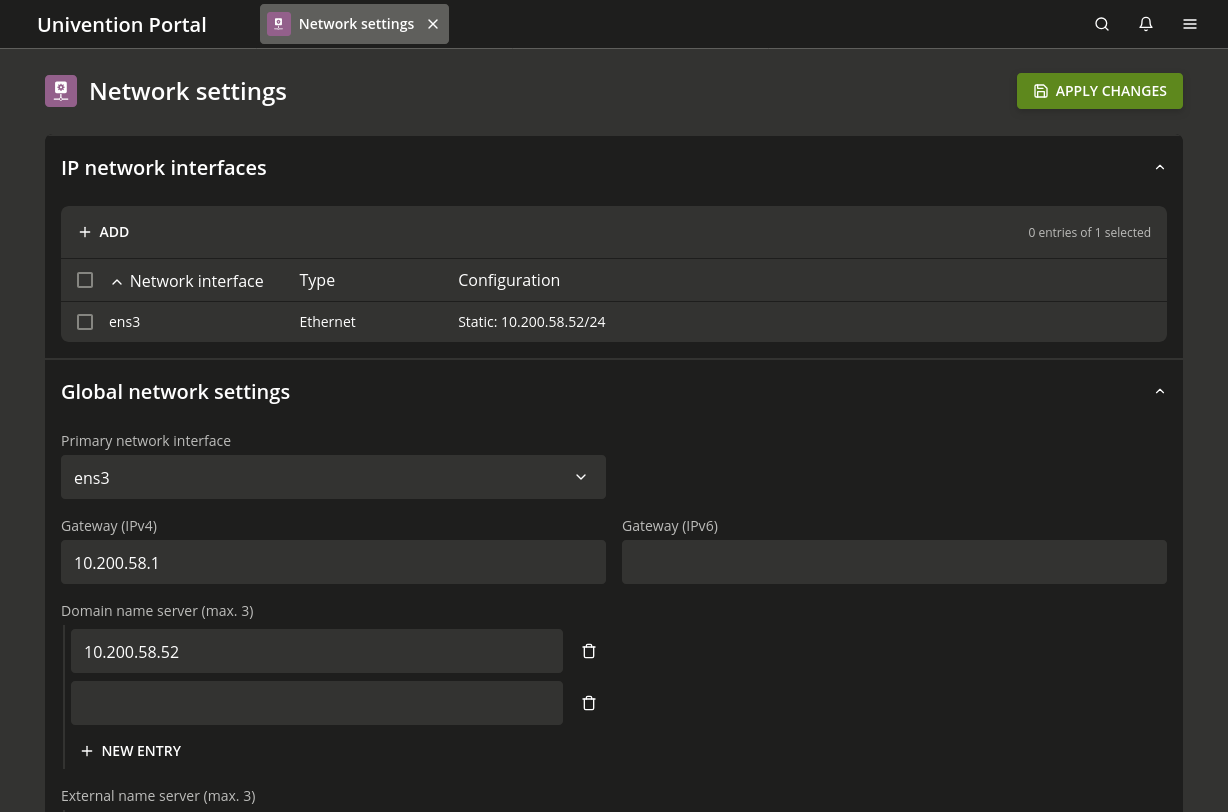
Fig. 7.6 Configure network configuration in the Network settings module#
The management module lists all available network cards in IPv4 network devices
and IPv6 network devices.
It displays only network interfaces in the ethX scheme.
Beyond basic configuration,
Nubus for UCS supports the following advanced network configurations.
Table 7.1 shows common scenarios and the appropriate technique for each.
- Bridging
Bridging lets you connect multiple virtual machines running on a host through one shared physical network interface for virtualization.
- Bonding
Bonding provides failover redundancy for hosts with multiple physical network interfaces to the same network.
- Virtual networks (VLANs)
VLANs separate network traffic logically while using one or more physical network interfaces.
Your need |
Technique |
Where to find it |
|---|---|---|
Bridge virtual machines to the network. |
Bridging |
|
Bond multiple network cards for failover. |
Bonding |
|
Separate traffic on one physical network. |
VLAN |