
7.4. Service management and system integration#
This page describes service-related configuration tasks on systems running Nubus for UCS. It covers service startup behavior, selected integration settings, and the name service cache daemon.
7.4.1. Manage system services#
To manage system services:
To open the System services management module, in the Univention Portal go to .
Check the current status of a system service.
Start or stop the service when needed.
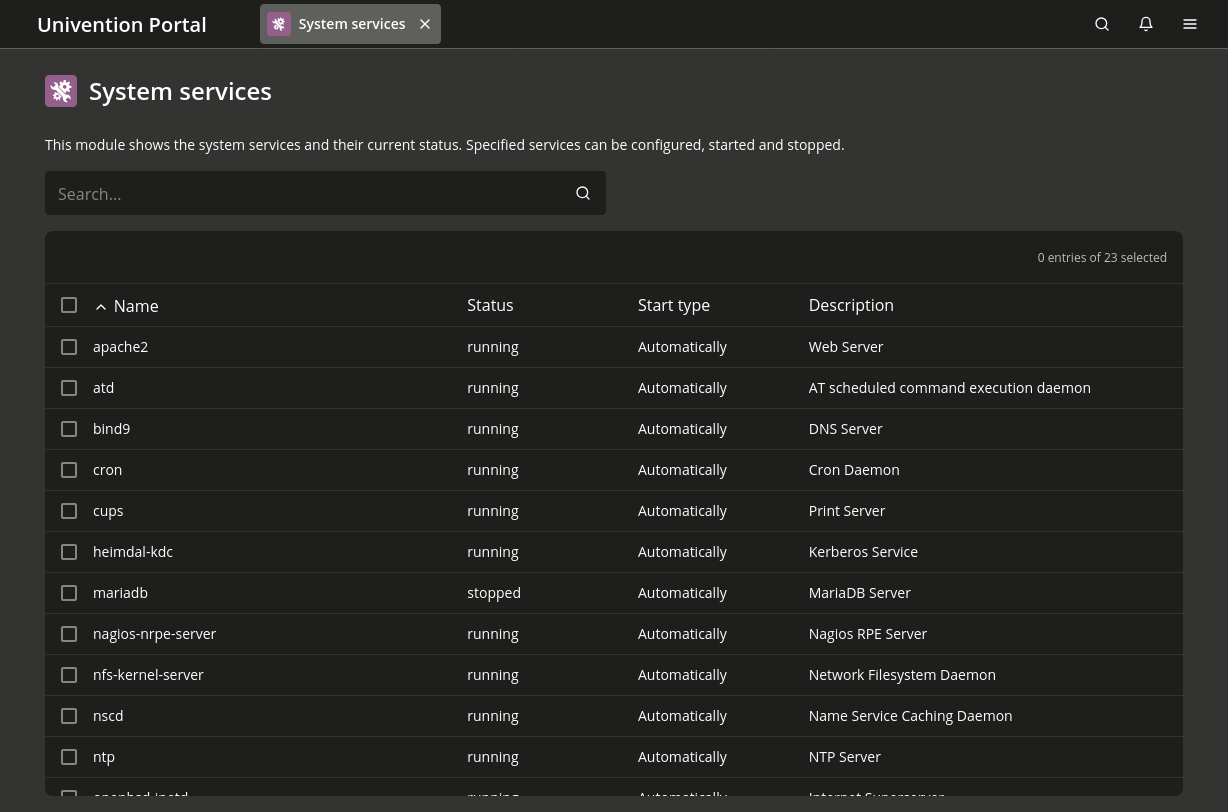
Fig. 7.4 Overview of system services#
The list shows all services installed on the system. Under Status, you can see the current status and a description. Select one or more services and use the More menu to start, stop, or restart a service.
By default, the system starts every service automatically. Sometimes, you may want to prevent a service from starting automatically until you complete additional configuration.
Use Start manually to prevent automatic startup while still allowing you to start the service later.
Use Start never to prevent automatic and manual service starts.
7.4.2. Configure the LDAP server#
You can operate several LDAP servers in a Nubus for UCS domain.
Set the primary server
with the UCR variable ldap/server/name.
Set additional servers
through the UCR variable ldap/server/addition.
Alternatively, specify LDAP servers through the LDAP server policy. If a system can’t reach one LDAP server, it contacts the servers in the configured order.
By default, the installation or the domain join only sets ldap/server/name.
If more than one LDAP server is available,
assign at least two LDAP servers
through the LDAP server policy
to improve redundancy.
In environments that span several locations,
prefer LDAP servers in the local network.
7.4.3. Configure the print server#
Specify the print server
with the UCR variable cups/server.
Alternatively, specify the server through the Print server policy in the Computers management module.
See also
- Computers module
in Nubus Manual 1.x [3] for information about the Computers management module
7.4.4. Name service cache daemon#
The Name Service Cache Daemon (NSCD) caches Name Service Switch (NSS) data to speed up repeated requests for unchanged data. If the same request occurs again, the system reads the data from the cache instead of processing a complete LDAP request.
Groups are no longer cached through NSCD for performance and stability reasons. Instead, a local group cache stores them. For more information, see Group caching.
Since UCS 5.2-0,
the system no longer caches user information (passwd) through NSCD.
Instead, the System Security Services Daemon (SSSD)
retrieves and caches user information.
For more information, see the SSSD documentation.
Univention Configuration Registry
manages the /etc/nscd.conf configuration file.
A hash table handles access to the cache.
Specify the hash table size
with the UCR variable nscd/hosts/size.
Set the value higher than the number
of users and hosts that access the cache at the same time.
For technical reasons,
use a prime number.
With large caches,
increase the cache database size in system memory
through the UCR variable nscd/hosts/maxdbsize.
By default, NSCD starts five threads.
If the system handles many accesses,
increase the number
through the UCR variable nscd/threads.
By default, the system caches a resolved hostname
for one hour.
Use the nscd/hosts/positive_time_to_live UCR variable
to increase or decrease the cache period in seconds.
You may need to invalidate the NSCD cache manually.
Run the commands in Listing 7.30
for the relevant cache table.
Use the UCR variable nscd/debug/level
to set the verbosity of log messages.
$ sss_cache -U
$ nscd -i hosts